Block: hero_product
DRONE FLIGHT PLANNING SOFTWARE
eMotion
Dynamic Drone Management Software
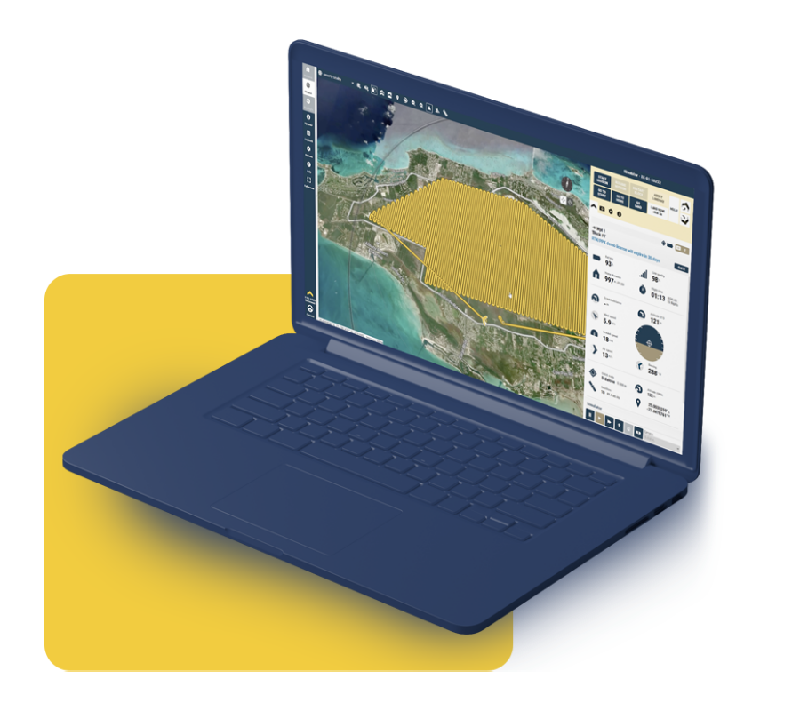
Our eMotion drone flight planning software allows you to intuitively manage your missions, interact with eBee drones during flight and prepare data for post-processing. This advanced, all-in-one desktop ground station features all the functionality you need to collect geospatial data and act with precision.
Block: features
FEATURES
High-performance software for high-stakes missions.
Block: grid_links
Block: content_tabs
Why eMotion?
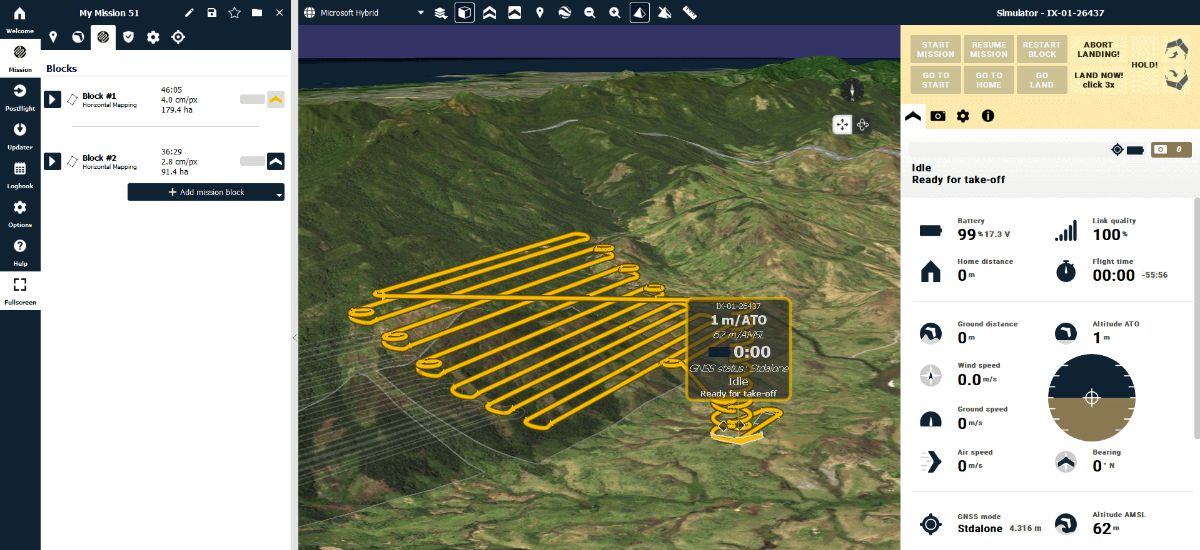
Multi-environment Mapping
2D and 3D
Activate the mode you prefer to navigate the map and visualize the terrain more accurately. The elevation color map also helps you check site elevation and plan your flightlines accordingly.
Custom background
Use included eMotion maps, import KML files or create your own. Custom maps are ideal for recurrent mapping projects and for monitoring changes over a period of time.
Terrain following
eMotion enables by default terrain following, but you can also import your own elevation data easily. The software allows exporting your KML trajectory to check in Google Earth Pro.

Online and Offline Use
Online
eMotion connects wirelessly to your drone, to industry cloud solutions, to survey-grade base stations, airspace data, and even includes live weather updates.
Offline
Are you planning a flight, but you won’t have Internet connectivity in the field? Simply download map data for offline use in advance/at the office and use it on-location without the Internet.
Radio link
If the connection between eMotion and the drone is momentarily lost, the eBee continues the mission, taking photos as planned, and lands. When the radio link is lost for more than 5 minutes, the drone returns home and lands.
Safety Features
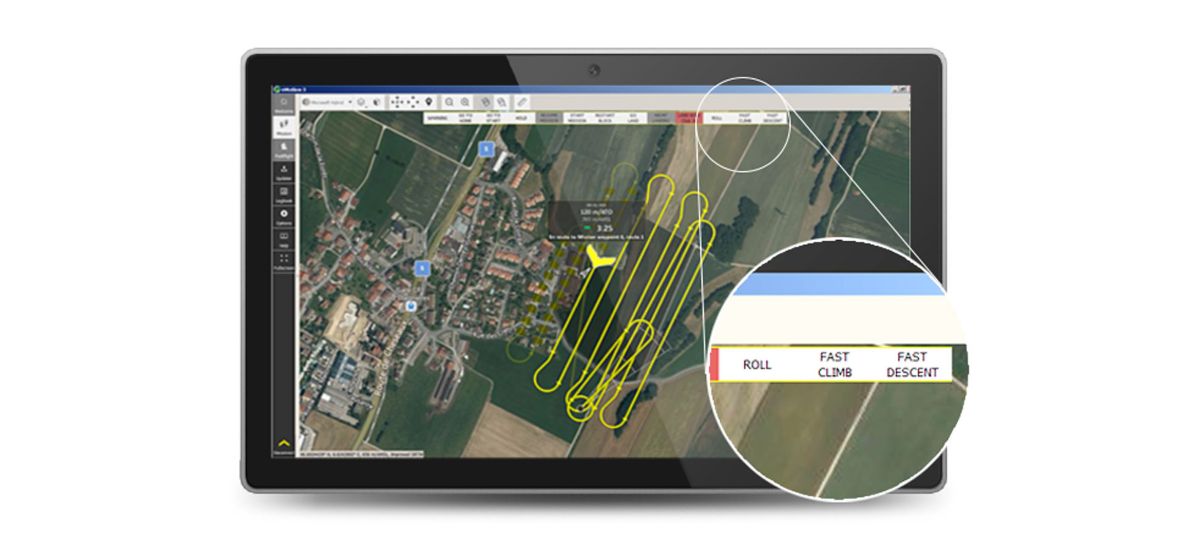
eMotion safety features contribute to the regulation advantages that our drones provide to eBee operators, such as BVLOS and Operations Over People (OOP) approvals.
Interaction during drone flight – Modify a flight plan or send commands anytime during a planned mission.
Airspace management – Import geo-awareness maps to have all the restricted and no-fly zones on your flight map
Notifications and warnings – Audio and color-coded advisory, caution and critical notifications before and during flight.
Safety Actions
Taken by the drone – When detecting strong wind, low light, lens cap on, GNSS accuracy degradation and more, the drone will automatically return to home for landing.
Available to the operator – During flight and with just a few clicks, modify the path, the landing spot, hold the drone in position, resume the mission, perform an emergency landing and more.

Proven Reliability
Since 2010, eMotion flight planning software has evolved to enhance workflow and support the most demanding projects.
1,342,321+ Flights
20+ Software releases since 2018
GPS and Glonass GNSS constellations
WGS84 Spatial coordinate system
Block: flexible_cards
Automated data capture workflow
Flight plan creation

Autonomous geotagged data capture

Postflight process (PPK)

Data ready for post-processing and analyses
Block: flexible_cards
Compatability
Drones
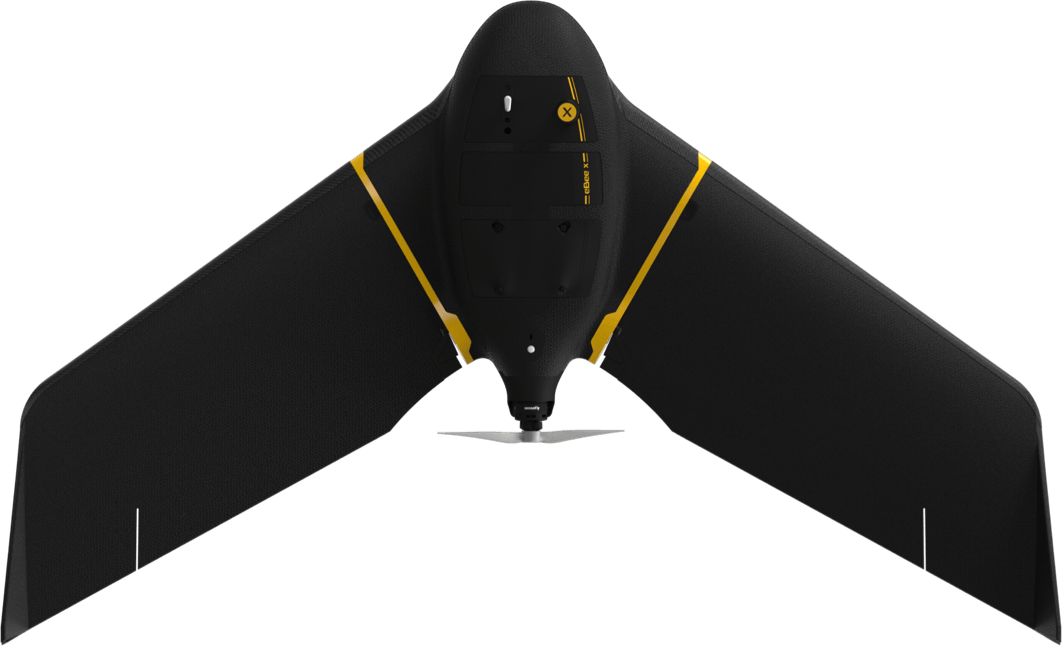
eBee X
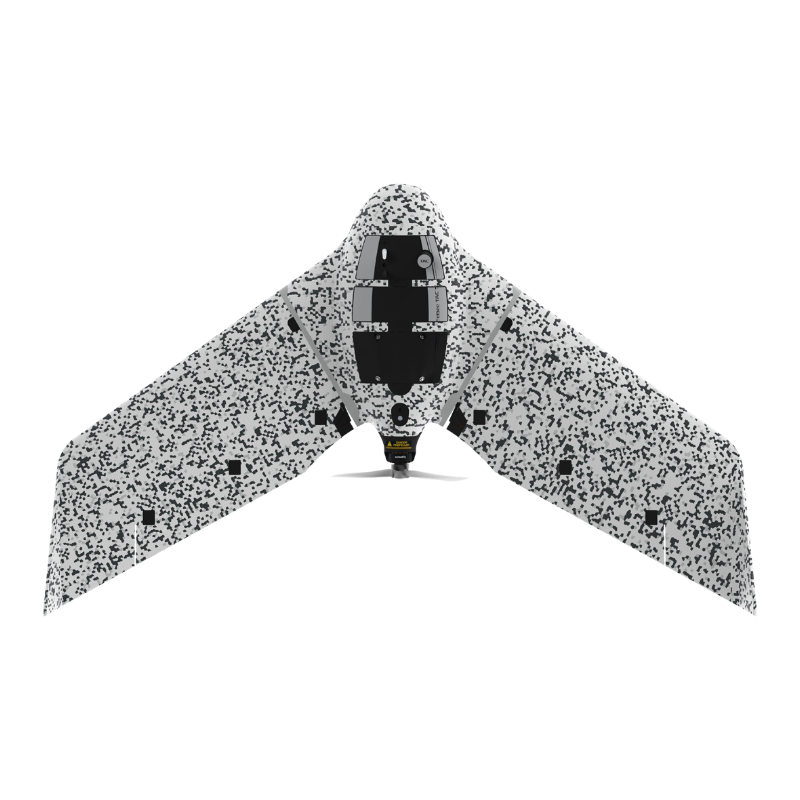
eBee TAC
Block: logo_grid
Compatability
Post-processing Software







Block: flexible_cards
Compatability
Software requirements:
OS 64-bit only, Microsoft Windows 7, Microsoft Windows 8, Microsoft Windows 10
Block: content_panel
International software with a local touch
Languages
With eMotion, you can create a mission based on another, save missions for recurring mapping, add past missions to your favorites, and check your recently planned missions.
Coordinates
eMotion options allow you to select the coordinates format within Decimal Degrees (DD) and Degrees/Minutes/Seconds (DMS).
Unit systems
eMotion software options allow you to select the unit system, between metric (meters and hectares) and imperial (feet and acres).